How to make a QR code for your restaurant menu
A QR code on the table lets guests read the menu on their own phone while you keep the printed one for those who prefer paper. It takes a few minutes to set up, and if you do it this way it never needs renewing.
1. Decide what the code opens
The code is only as good as the page behind it. Three common choices:
- A PDF of your menu. Simple, and it looks exactly like the printed one. Keep it under a few megabytes so it opens quickly on mobile data.
- A menu page on your website. Easier to read on a phone than a PDF, and search engines can find it.
- Your ordering page, if guests order and pay at the table.
Whichever you pick, use an address you control and won't change. The code holds the address itself, so if the address stays the same, you can update the menu behind it as often as you like without reprinting a single code.
2. Make the code
- Open the QR code generator and press Make a QR code.
- Paste your menu's address into the field in the bar.
- Keep the code dark on a light background. Coloured codes work, but contrast is what makes a scan quick in a dim room.
- Add a line that says what it's for: "Scan for our menu" or "Menu and allergens". People scan more readily when they know where it leads.
3. Design the card around it
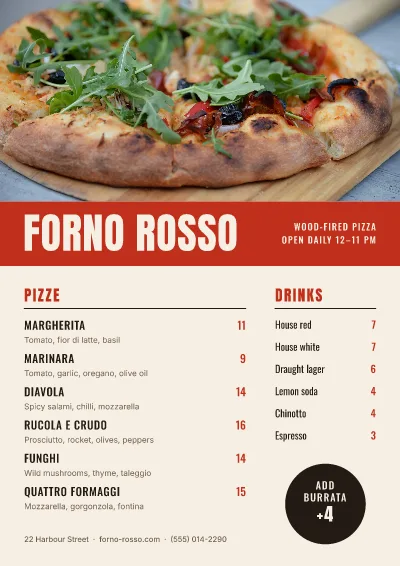
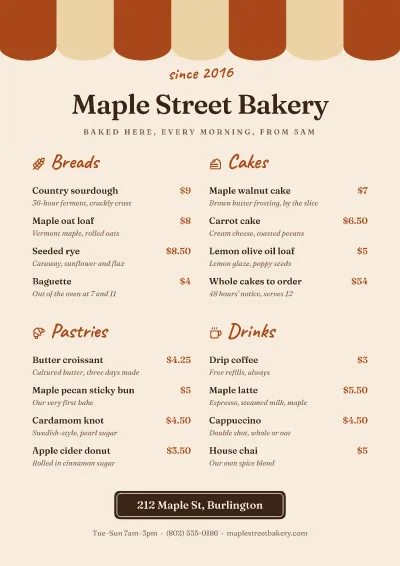
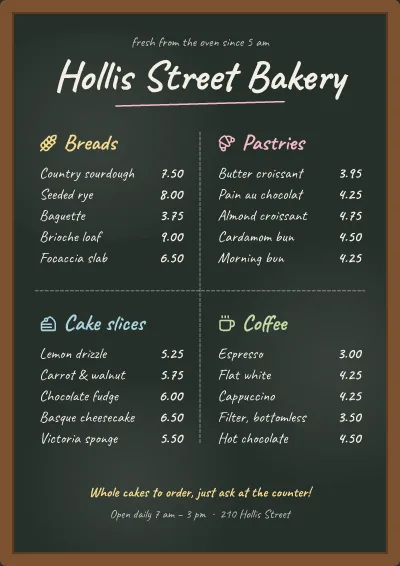
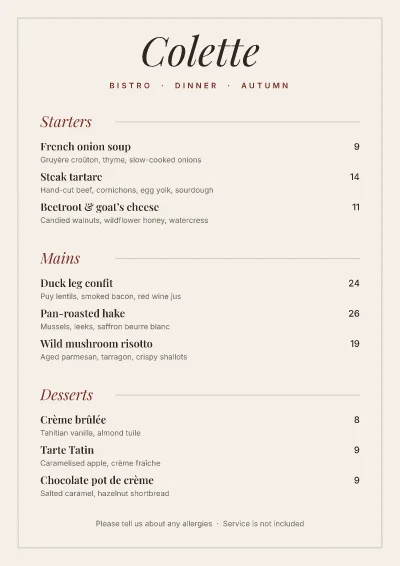
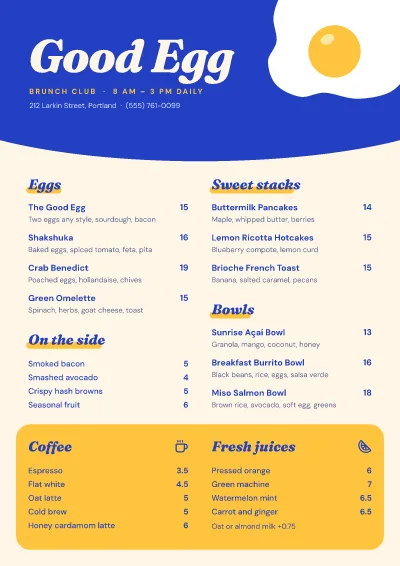
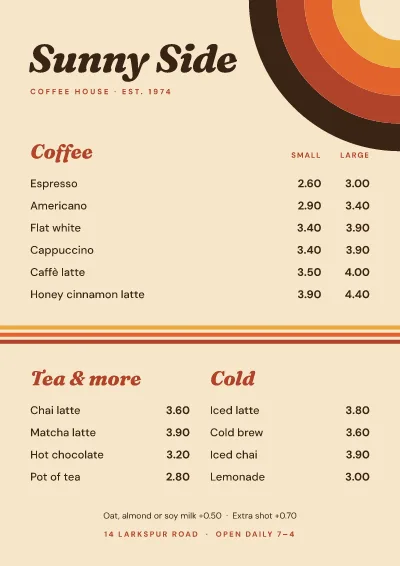
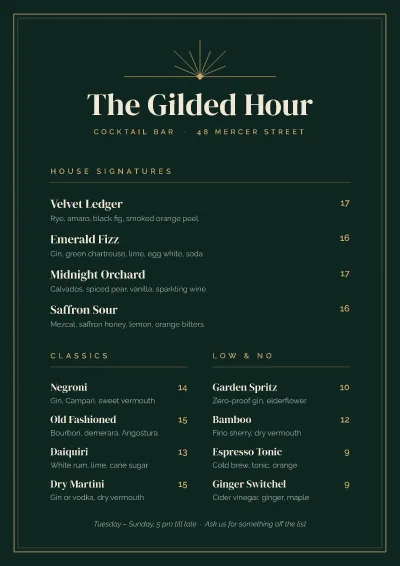
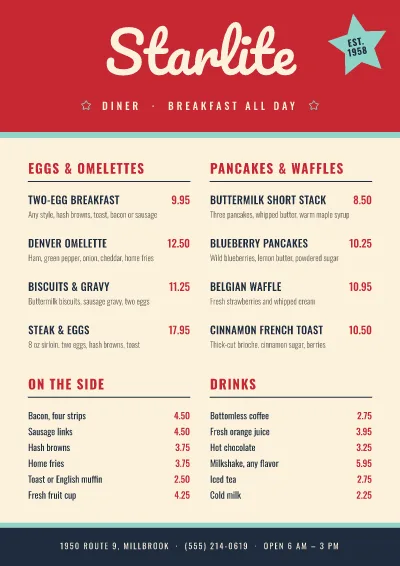
A code alone on a white square looks like a parking ticket. Put it on a small card that matches your menu: your name, your colours and a few words. Start from one of the menu templates below, shrink it to a table-card size, or make a card from scratch and drop the code onto it.
Leave a margin of white around the code. Pozzly builds a quiet border into every code, but don't run a photo or a pattern right up to it.
4. Print it the right size
- On a table tent or a small card: at least 2.5 cm (1 inch) across.
- On a window or a door poster, scanned from a step or two away: 6–10 cm.
- Rule of thumb: make the code about a tenth of the distance it will be scanned from.
Download a PDF for print. The code stays vector, so the printer gets clean, sharp edges at any size.
5. Test before you print a hundred
Scan the printed proof with two or three phones, an older one among them, in the light your room actually has. Check the page loads on mobile data, not just on your Wi-Fi.
Keep a paper menu
Some guests don't want to use their phone at dinner, and some phones run out of battery. A QR code works best as a convenience next to the printed menu, not a replacement for it.