A free Canva alternative with no watermark
Canva is a very good design tool, and many people never need more than its free plan. But some of what makes it quick, such as the background remover, one-click resizing into other formats and many templates and elements, belongs to its paid Pro plan. If you've ever finished a design and then found a watermark on one of the pieces, you know the moment.
Pozzly is built the other way round: everything is free. Not a trial, not a free tier with the good parts kept back. Here's what that covers.
Every template
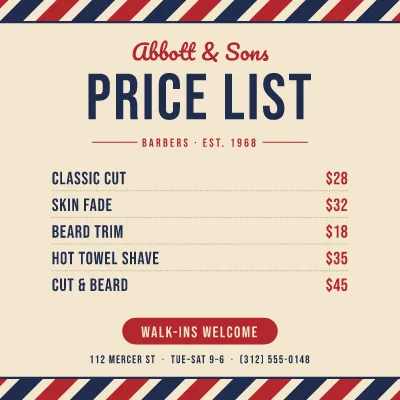
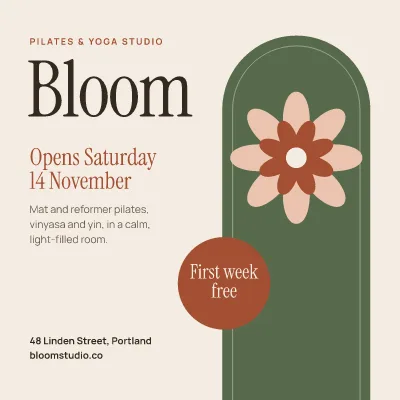
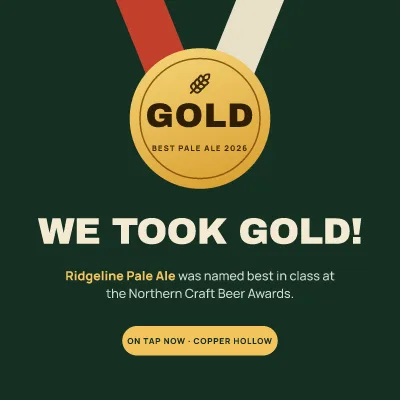
All of the templates, for Instagram posts and stories, Pinterest pins, YouTube thumbnails, posters, flyers, menus, invitations, certificates, resumes, business cards, logos and presentations, are free. Browse them, pick one and change everything on it.
Every tool
- Background removal, unlimited, done in your browser so your photo never leaves your device. See how it works.
- Resize a design into other formats in one go: a post becomes a story, a pin and a banner, each laid out for its size.
- Photo filters and adjustments, text effects such as outlines, shadows, neon and curved text.
- Charts, tables and QR codes: chart maker, table maker, QR code generator.
- Brand kit: your colours, fonts and logos, applied to any template in one press.
Downloads with nothing added
PNG, JPG, PDF, SVG, and PNG with a transparent background. No watermark, no "made with" badge, no limit on how many. PDFs keep text as real text, so they print sharply and can be searched.
No account
There's no sign-up. Open the site and start. Your designs are kept in your browser on your device; nothing is uploaded to us. The flip side is worth knowing: a design you make on your laptop isn't on your phone, and clearing your browser's site data clears your designs too. Download anything you want to keep.
What it doesn't do (yet)
Being honest helps you choose. Pozzly has no real-time collaboration, no stock video and no animation export yet, and designs don't sync between devices. If you work with a team inside one design, those features matter, and Canva's Teams plan is built for that.
If you mostly make posts, flyers, slides and thumbnails on your own and you'd rather not pay or sign up for the parts you need, give Pozzly a try.