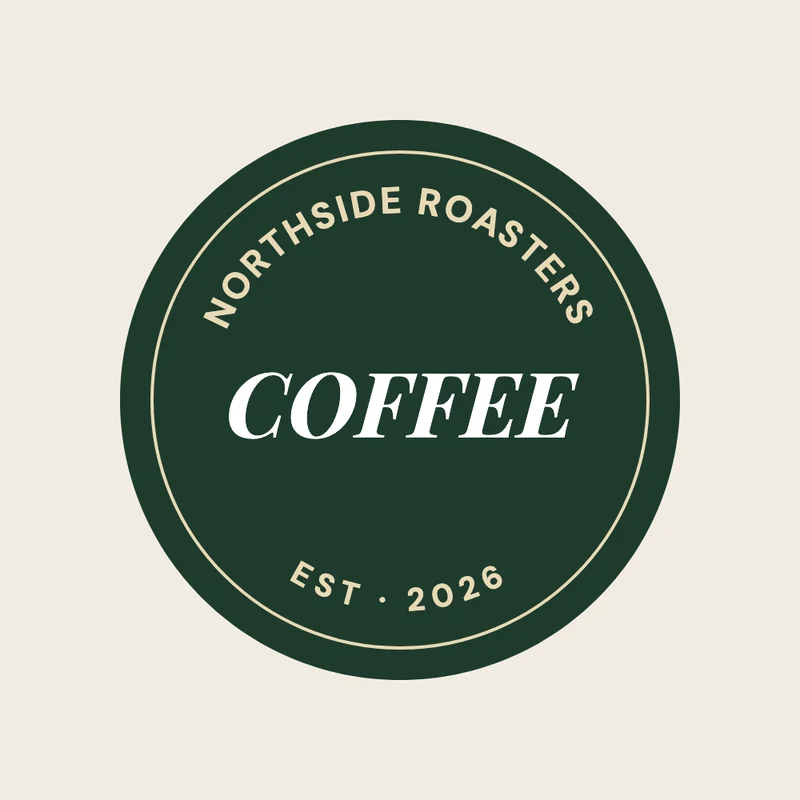
How to curve text
- Press Curve your text. A page opens with curved text on it, picked.
- Double-click it to type your own words. While you type, they lie straight; they bend again when you're done.
- Press Effects in the bar and move the Curve slider: to the right for an arch, to the left for a smile. At the far end the text goes nearly all the way round.
- Add a shadow, an outline, a neon glow or a background behind it: every effect bends with the text.
- Press Download. For a logo or a sticker, choose PNG, no background.
Good to know
Letters keep their size and their spacing as they bend. More than one line? Each line follows its own circle around the same centre, the way type sits on a badge. The box around the text grows to fit the curve and keeps its middle where it was.
Questions
Can I put text in a full circle?
The curve goes up to 315°, just short of a closed ring, which leaves room for the ends to read. For a full badge, curve one line as an arch and a second as a smile below it.
Does curved text stay sharp?
Yes. In PDF and SVG it's real text with each letter turned, so it prints crisply and can still be selected.
Can I curve text on a photo?
Yes. Upload the photo, add text over it and curve the text. Add a shadow if the photo is busy.