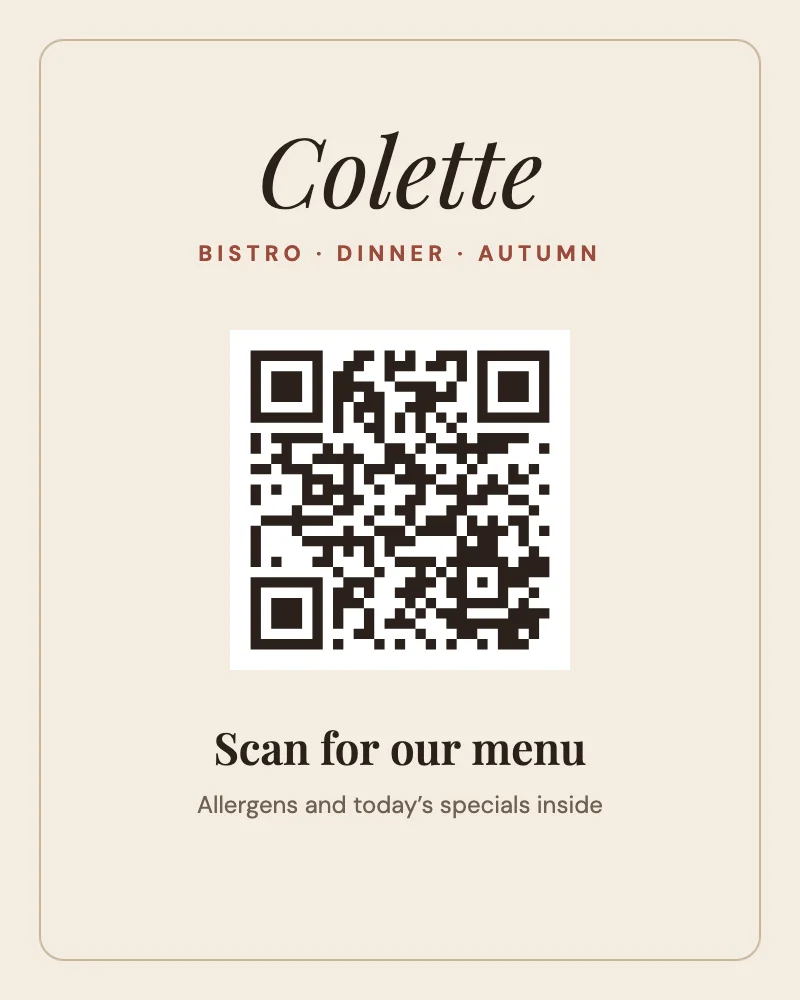
How to make a QR code
- Press Make a QR code. A square page opens with an empty code in the middle and a field for the link in the bar.
- Type or paste the link: a website, a menu, a booking page, a form. Plain text works too.
- Pick its colour and its background in the bar. Keep it dark on light: scanners read that best.
- Add words around it, such as "Scan for the menu", or drop it onto any template.
- Press Download and choose PNG, JPG, PDF or SVG.
Made for print
PDF and SVG keep the code as vector shapes, so it stays sharp at any size, from a sticker to a window poster. A quiet border of white is built into the code, so it still reads when it sits right up against a photo.
Questions
Do these QR codes expire?
No. The code holds your link directly; there's no redirect in between that could stop working or be switched off. It works for as long as the link does.
Can I change the link later?
In Pozzly, yes: open the design and type the new link, and the code changes with it. Codes already printed hold the old link, so print again after a change.
Is there a limit on scans or codes?
No. Make as many codes as you like; nobody counts the scans.
What size should a printed QR code be?
At least 2 × 2 cm (about ¾ inch) for something held in a hand, like a business card or a menu. For a poster read from a few metres away, make it about a tenth of that distance across.